Time to First Byte is the silence before the page: the visitor tapped, and for this long nothing at all has come back from your server. Under 200 ms it is invisible; over 800 ms it is the "is this loading?" pause, and every other metric (First Contentful Paint, Largest Contentful Paint) starts after it. It is also the metric most often caused by hosting rather than by the page. This guide shows how to measure TTFB the way a visitor experiences it, how to tell which part of the wait is yours, and the fixes in order of effort.
Quick answer
- Good: under 0.8 s at the 75th percentile (Google's threshold); under 0.3 s is what a cached page on decent hosting does.
- TTFB = DNS + TCP + TLS handshake + redirects + server processing + first bytes on the wire. Only the last two are "the server"; the rest is where the server sits and how it is reached.
- For CMS sites, page caching turns 1–2 s into 100 ms: the server sends a saved copy instead of running PHP and database queries.
- Redirect chains double or triple TTFB; fix them first, they are free.
- Run the TTFB test to see the number from our location and the redirect hops.
Why TTFB matters
Nothing renders until the first bytes arrive: not the HTML, not the CSS it references, not the hero image it will discover in the HTML. A page that takes 1.5 s to start and then loads in 1 s has an LCP of at least 2.5 s, which is Google's threshold, before a single byte of content was involved. Cutting TTFB is the one fix that moves every other metric.
It also compounds across a visit. Every page click waits for TTFB again, and so does every uncached API call the page makes. A slow server feels slow everywhere, whereas a large image only hurts once.
Where the time goes
| Part | Typical | What controls it |
|---|---|---|
| DNS lookup | 20–120 ms | Your DNS provider; cached after the first visit |
| TCP connection | one round trip, 20–100 ms | Distance between visitor and server |
| TLS handshake | one or two round trips | TLS version (1.3 is one), OCSP stapling, session resumption |
| Redirects | a full round trip each | Your configuration |
| Server processing | 10 ms (static/cached) to 2 s (uncached CMS) | Application, database, hosting plan |
| First bytes | a few ms | Compression settings, output buffering |
A visitor in Zagreb reaching a server in Frankfurt pays roughly 30 ms per round trip; the same visitor reaching Oregon pays 150 ms per round trip, and there are three or four of them before the server even starts working. That is what a CDN fixes: the round trips happen to a nearby edge, and cached pages never reach the origin at all.
How getReport checks it
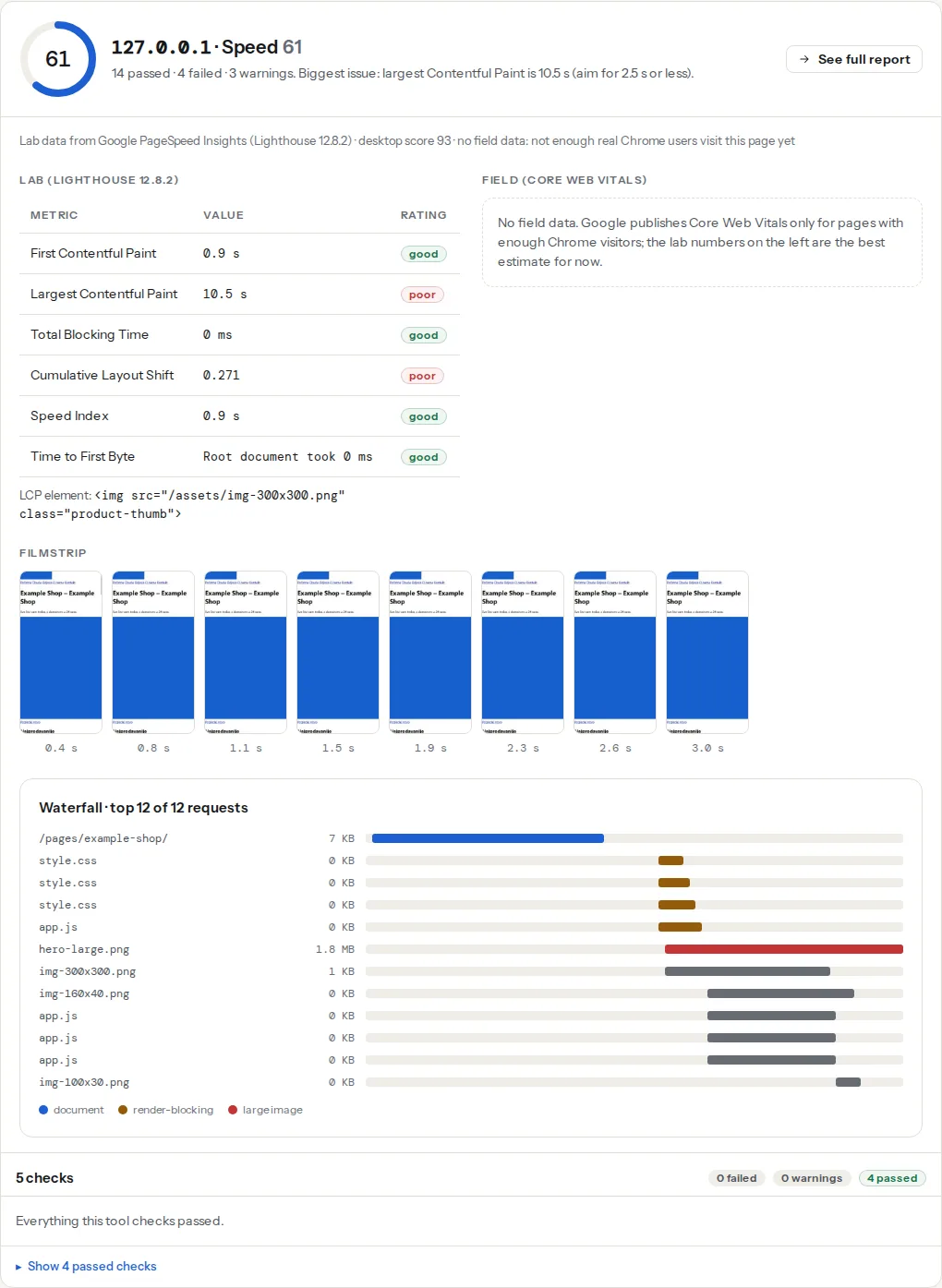
The report measures TTFB from our test location (Frankfurt) with a fresh connection, the way a first-time visitor does, and records every redirect hop separately. The speed module adds Lighthouse's server response time and the field TTFB from Chrome users where available.
Step by step
1. Measure three times, mobile and desktop
One run tells you little; a cache miss or a busy moment doubles it. Run the test three times. Consistent 200 ms is fine. Consistent 1,200 ms is the server. 200 ms, 1,800 ms, 250 ms means the first request after an idle period is slow, which is typically a cache that expired or a PHP process that had to start (see step 4).
2. Remove redirect hops
Each hop is a full round trip plus, for http:// hops, a new connection. The finding lists the chain. The fix is to redirect straight to the final URL: http://www.example.com/page → https://example.com/page/ in one 301, not via https://www. and then the slash. See Redirects without chains.
3. Turn on page caching
For WordPress, Joomla, Drupal and most e-commerce platforms, an uncached page means PHP starts, loads the theme and every plugin, runs a few dozen database queries and renders HTML, every time, for every visitor. Page caching saves the rendered HTML once and serves it to the next visitors in a few milliseconds.
- WordPress: your host's cache if they have one (LiteSpeed Cache on LiteSpeed hosts, SiteGround Optimizer, WP Engine's built-in cache), otherwise WP Rocket or WP Super Cache. Enable page cache; leave the exotic options off at first.
- Exclusions: cart, checkout, account and any page that differs per visitor. Cache plugins know the common ones.
- Warm-up: the first visit after the cache expires still pays the full price; a longer cache lifetime (12–24 h) with purge-on-publish keeps most pages warm.
Static site generators and headless setups are already "cached": the HTML exists as a file.
4. Check what the server does when idle
Shared hosting often stops PHP processes after a few idle minutes; the next request pays the start-up cost (300–800 ms). Symptoms: a slow first test, fast repeats. Fixes: a host with persistent PHP-FPM workers, or a cache in front so PHP is rarely needed. On your own server, pm = static (or ondemand with a longer pm.process_idle_timeout) in PHP-FPM keeps workers warm.
5. Look at the database
An uncached CMS page with a 2 s TTFB is usually one slow query: an unindexed lookup, a plugin logging every visit into a table with millions of rows, WooCommerce filters on large catalogues. The Query Monitor plugin (WordPress) shows the queries per page and their time; deleting old logs and adding an index for the slow query often halves the time. Object caching (Redis or Memcached, offered by most managed hosts) keeps the results of repeated queries in memory.
6. Put a CDN in front
A CDN caches pages and files at edges near the visitor, so most requests never travel to your origin. Cloudflare's free plan does this for static files by default; caching HTML pages needs a cache rule ("Cache Everything" with a bypass for logged-in and cart cookies). For a site with visitors on several continents it is the only way to get a good TTFB everywhere; for a local site on a nearby server the gain is smaller.
7. Then, the hosting plan
If everything above is done and TTFB is still over 600 ms on cached pages, the server is overloaded or far away. Shared hosting for €3 a month puts hundreds of sites on one machine; a €10 VPS or a managed WordPress plan with a cache and PHP-FPM typically lands cached pages under 200 ms. Measure before switching, and measure again after: run the TTFB test on the same three pages on the old and the new host and compare the numbers, not the marketing.
Platform notes
WordPress: page cache + object cache + no redirect chains covers 90 % of cases. Check the wp-cron setting too: with DISABLE_WP_CRON off, a visitor's request can trigger scheduled tasks and wait for them. Shopify, Wix, Squarespace: TTFB is the platform's; you cannot change it, only the redirects and the page weight. Custom apps: measure the database and any outbound API calls made during the request; a 400 ms call to a third-party API on every page load is a 400 ms TTFB floor.
Verify
- Three runs of the TTFB test within 100 ms of each other and under 300 ms for a cached page.
- The redirect finding shows zero hops from the URL people use.
- The response headers show the cache working:
x-cache: HIT,x-litespeed-cache: hit,cf-cache-status: HITor the plugin's own header on the second request. - Field TTFB (the speed module's CrUX row) under 800 ms at the 75th percentile after four weeks.
Common mistakes
- Testing while logged in. Caches bypass logged-in users; test in a private window or with a tool.
- Measuring TTFB from the server itself or from the same city. The visitor's distance is part of the number.
- Caching the cart page. Visitors see each other's carts. Use the plugin's defaults for exclusions.
- Blaming the theme for a hosting problem. A 1.5 s TTFB on a cached page is the host, not the CSS.
- Adding a CDN before fixing redirects. The CDN caches the redirect too; the chain stays.