Responsive check + CSP:Does your site work on every screen, and what should its CSP allow?
Screenshots at five widths from a small phone to a desktop, the element that breaks each layout, and a Content-Security-Policy generated from the scripts, styles and images your page really uses.
- Free, no account
- Results in under a minute
- 5 widths from 360 to 1440 px
example-shop.hr
WordPress 6.8Sample shop · homepage · mobile Chrome · the same check you get for your own site
3 passed · 0 failed · 4 warnings. Biggest issue: Content-Security-Policy header is missing.
Detected technology
- WordPress 6.8
- WooCommerce
- Elementor
- jQuery 1.12.4
- LiteSpeed
Your page at five widths
4 of 5 scroll sideways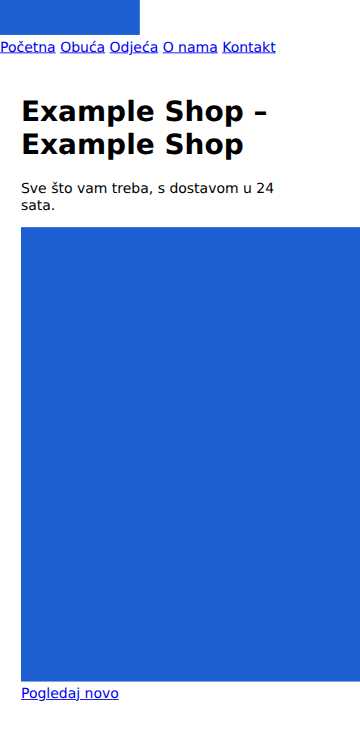
360 pxSmall phone 864 px too wide14 small targets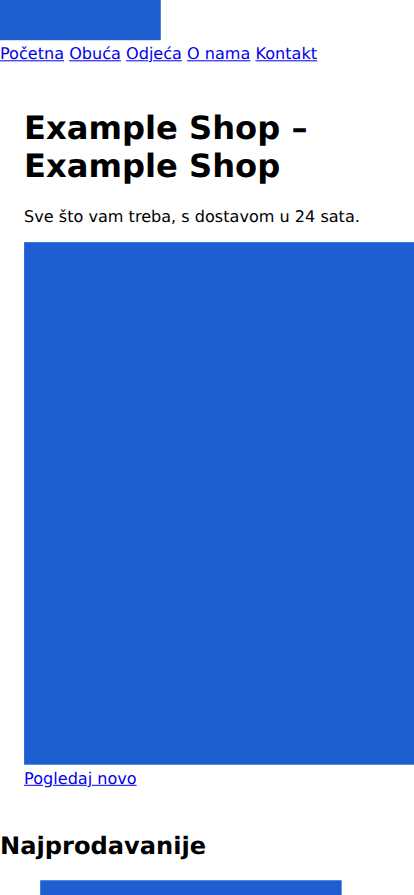
414 pxLarge phone 810 px too wide15 small targets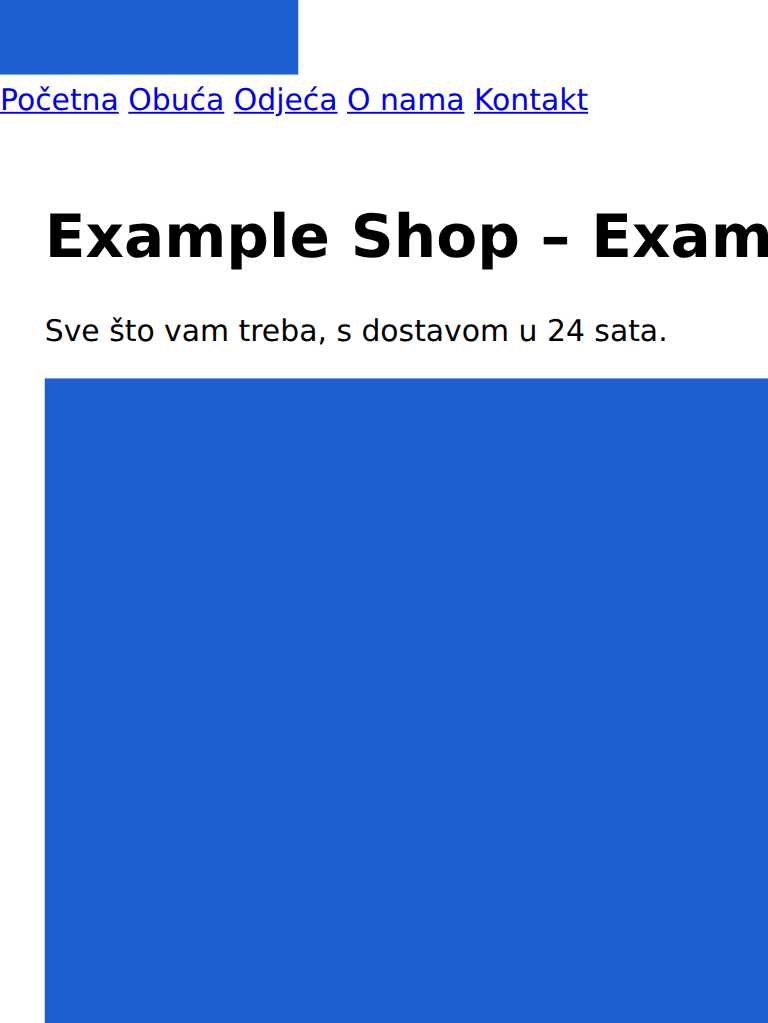
768 pxTablet 456 px too wide15 small targets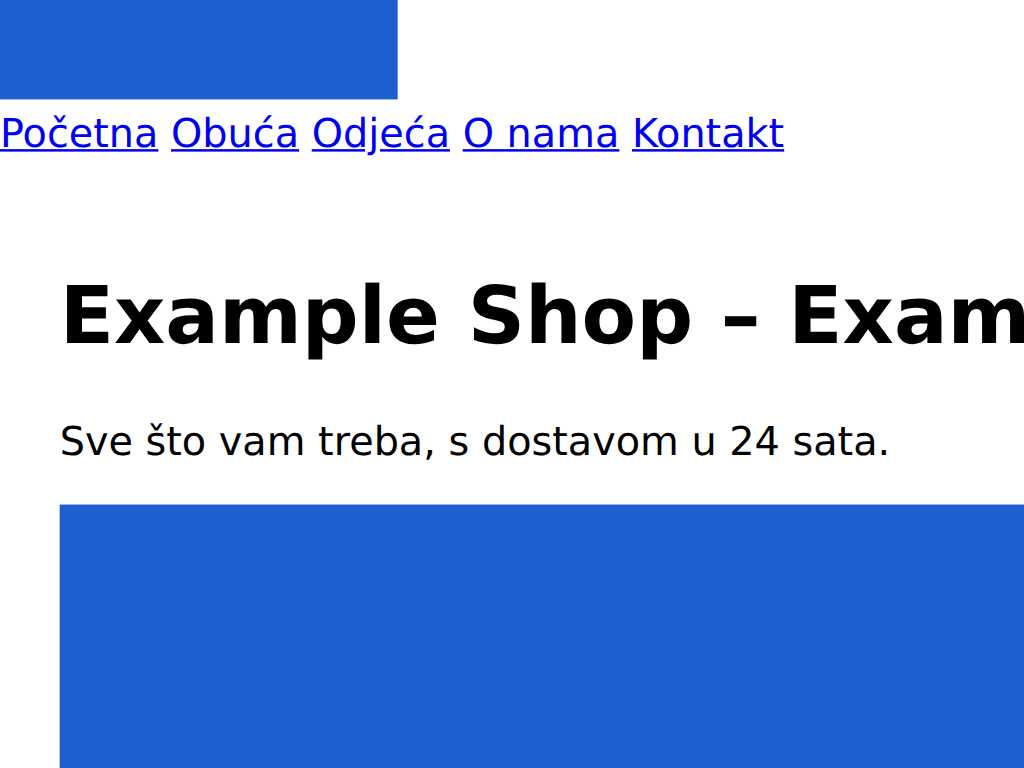
1024 pxSmall laptop 200 px too wide7 small targets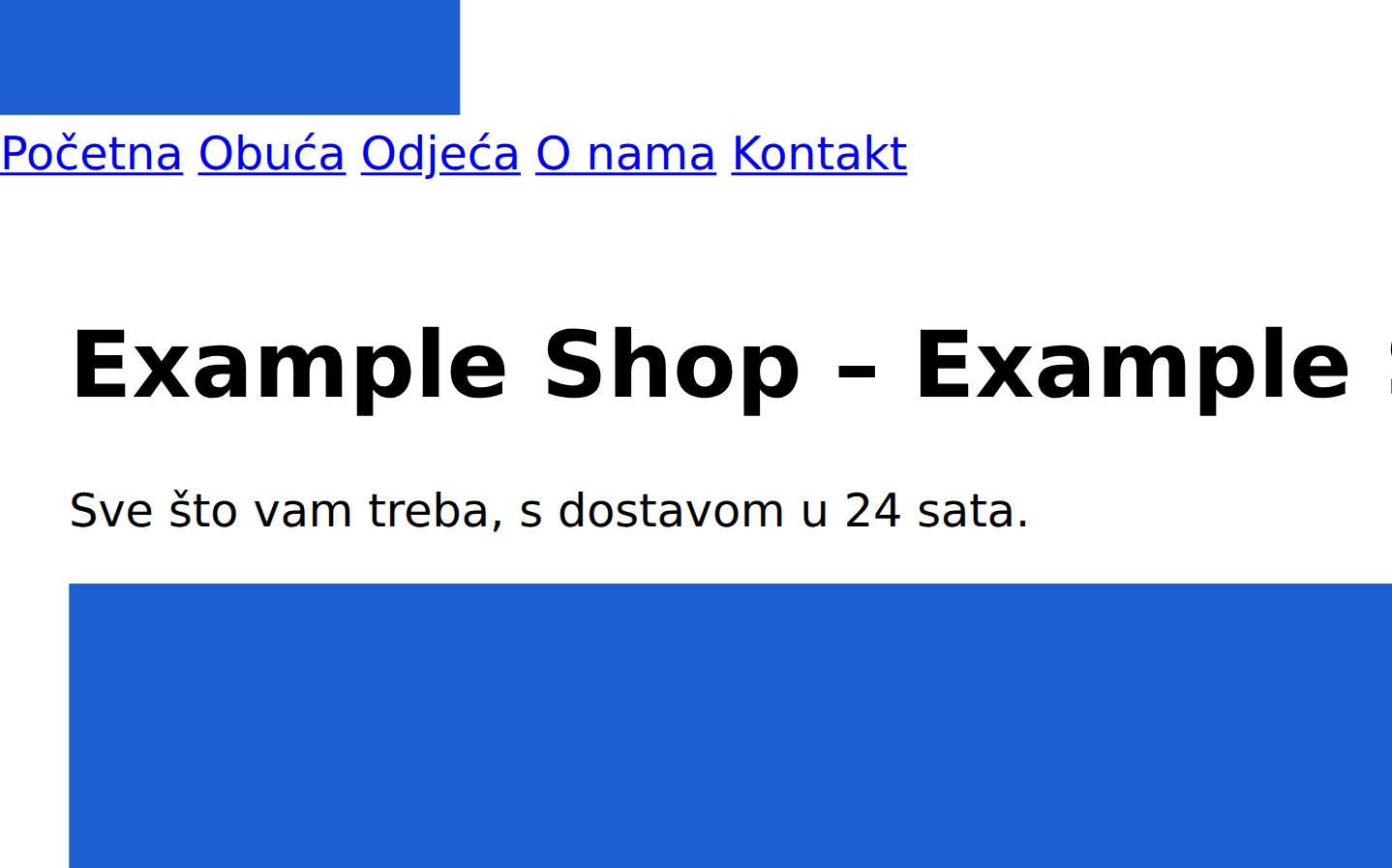
1440 pxDesktop fits7 small targets
- 360 px: img[src*="hero-large.png"] (864 px)
- 414 px: img[src*="hero-large.png"] (810 px)
- 768 px: img[src*="hero-large.png"] (456 px)
- 1024 px: img[src*="hero-large.png"] (200 px)
Content-Security-Policy, built from this page
start in report-only modedefault-src 'self'; script-src 'self' 'sha256-DMSIJQXbuKuQ7nc/7yDTSFiTs7VlKqukpfaftGWQ+Ls='; object-src 'none'; base-uri 'self'; form-action 'self'; frame-ancestors 'self'
- 1 inline script is allowed by hash. If you change it, the hash changes: regenerate the policy or switch to a nonce set by your server.
- Built from one page load. Scripts that load on click, on other pages or for logged-in users are not in it, so deploy it as Content-Security-Policy-Report-Only first and watch the reports for a week.
What we found
Show 3 passed checks
Fix these first
From the example above. Check your own site to get the fixes that apply to it.
Warning: Content-Security-Policy header is missing
A CSP blocks most cross-site scripting attacks by listing where scripts may load from.
How to fix it: Start in report-only mode with Content-Security-Policy-Report-Only to see what would break.Warning: Other sites can embed this page in a frame
A site that loads your page in an invisible frame can trick visitors into clicking your buttons (clickjacking), for example "confirm order" or "delete account".
How to fix it: Add frame-ancestors 'self' to your Content-Security-Policy, or send X-Frame-Options: SAMEORIGIN.Warning: The page scrolls sideways on screens up to 1024 px wide
When a page is wider than the phone, visitors have to pan left and right to read it, and Google counts it as not mobile-friendly.
How to fix it: Find the element named in the technical detail and give it max-width:100% instead of a fixed width.
What this tool checks
Five real renders in Chromium, plus the headers and inline code that decide your CSP.
Sideways scrolling
Loads the page at five widths from 360 to 1440 px and flags any that scroll sideways.
Viewport meta tag
Checks phones display the page at their own width, which matters because Google ranks the mobile version.
Zoom on phones
Checks visitors can pinch to zoom the page on their phone to read small text.
Tap target size
Checks links and buttons are at least 24×24 px, so visitors don't mis-tap on phones.
Oversized images
Finds images served at more than twice their displayed size, which wastes visitors' data.
Content-Security-Policy header
Checks for the header that limits where scripts may load from, blocking most injected scripts.
Inline and wildcard scripts in CSP
Checks your Content-Security-Policy doesn't still allow inline or wildcard scripts that weaken it.
Frame embedding protection
Checks other sites can't load your page in a hidden frame to trick visitors into clicking.
Mixed content
Finds files loaded over http:// on an HTTPS page, which browsers block or mark as not secure.
Show 5 more checks
Oversized images
Finds images served at more than twice their displayed size, which wastes visitors' data.
Content-Security-Policy header
Checks for the header that limits where scripts may load from, blocking most injected scripts.
Inline and wildcard scripts in CSP
Checks your Content-Security-Policy doesn't still allow inline or wildcard scripts that weaken it.
Frame embedding protection
Checks other sites can't load your page in a hidden frame to trick visitors into clicking.
Mixed content
Finds files loaded over http:// on an HTTPS page, which browsers block or mark as not secure.
How it works
Render at five widths
The page loads in Chromium once, then is resized to 360, 414, 768, 1024 and 1440 px. At each width we take a screenshot and measure the layout.
Find what breaks
We look for anything wider than the screen, text smaller than 12 px and tap targets smaller than 24 by 24 px, and name the elements responsible.
Build the CSP
Every script, style, image, font, frame and connection the page loaded is grouped by origin, inline scripts are hashed, and the result becomes a policy to start from.
Resizing one loaded page is close to, but not the same as, loading it on each device. The CSP covers one page load; test it in report-only mode before you enforce it.
Questions
Is this really free?
Yes. getReport is funded by donations, not plans. This tool runs the full report and shows you the part it is about; the complete report with all seven modules is one click away, also free.
Why does my page scroll sideways on phones?
Almost always one element with a fixed width wider than the phone, a table, an image, an embed or a wide banner. The check names the element that sticks out at each width. Give it max-width:100% or wrap tables in a box with overflow-x:auto.
How do I use the generated Content-Security-Policy?
Send it first as a Content-Security-Policy-Report-Only header, not as the real one. Browsers then report what the policy would block without blocking anything. Watch the reports for a week, add the sources you missed (scripts that load on other pages, after clicks or for logged-in users), move inline event handlers into script files, and only then switch the header name to Content-Security-Policy. On WordPress the header goes in a security plugin or the server config; on Cloudflare, in a Transform Rule; on Netlify or Vercel, in the headers file.
Why are inline scripts listed with hashes?
A CSP blocks inline scripts unless you allow them. A sha256 hash allows exactly that script and nothing else. Change one character of the script and the hash stops matching, so regenerate the policy after edits or switch to nonces.
Do you store my results?
The report and its screenshots are kept for 12 months at its shareable link. Reports are not listed publicly and carry a noindex tag; nothing about your visitors is collected.
Related free tools
All 41 tools →Free, funded by the people who use it
€0 of €75 this month. At €75, site crawl up to 500 pages + weekly re-check switches on for everyone.