# Third-party scripts: taming tag managers, chat widgets and ads
> Measure what tag managers, chat widgets, pixels and embeds cost your visitors, then cut it with removal, facades, consent-gated loading and tag manager hygiene, with a budget you can hold to.
Updated 2026-09-25 · Speed & Core Web Vitals · HTML version: https://getreport.app/guides/third-party-scripts-tag-managers-chat-and-ads
Nobody adds a tag manager, a chat bubble, a review carousel and two pixels at once. They arrive one at a time over three years, each "just one script", and one day the page ships 1.2 MB of other companies' code before its own content. That code runs on your visitors' phones, at your page's expense, and none of it makes the page faster. This guide shows how to measure what each third party costs, which ones to remove outright, how to load the rest so they stop blocking the page, and how to keep the total under a budget.
## Quick answer
- Read the third-party finding in the [speed test](https://getreport.app/tools/speed-test): it lists each company with its kilobytes and main-thread blocking. Over 250 KB or 250 ms in total is the warning line.
- Remove what nobody uses: the old heatmap, the second analytics tool, the A/B tool from a finished test.
- Replace embeds with facades: a thumbnail for YouTube, a button for chat. The real widget loads on click.
- Load tracking tags through the consent platform, so they wait for "Accept". That fixes GDPR and speed together.
- Add `async` or `defer` to whatever is left, and move it out of ``.
- Audit the tag manager: pause unused tags, scope triggers to the pages that need them.
## Why third-party scripts matter
A third-party script is any file loaded from a domain you do not control: Google Tag Manager, the Meta pixel, Intercom, YouTube's player, a fonts CDN, Hotjar, Trustpilot. Each one costs three things. Bytes, which are obvious. A connection: every new domain needs a DNS lookup, a TCP handshake and a TLS handshake before the first byte, 100–300 ms on mobile. And main-thread time: the script has to be parsed, compiled and run, and while that happens the page cannot respond to a tap.
The usual sizes, compressed, on a typical page: a Google Tag Manager container from 80 KB up, plus everything the tags inside it load; a chat widget 300–800 KB; a YouTube embed roughly 0.5–1 MB of player code for a video most visitors never play; a pixel 30–100 KB each; a font CDN two connections and 100–400 KB. Five or six of these and third-party code is larger than the site itself.
The main-thread cost is what visitors feel. A tag manager firing twelve tags on page load queues twelve scripts one after another, and a chat widget initialising can hold the thread for 200–400 ms. That is [Total Blocking Time](https://getreport.app/learn/total-blocking-time) in the lab and a slow [Interaction to Next Paint](https://getreport.app/learn/interaction-to-next-paint) in the field, where a tap during that window waits until the widget is done.
## How getReport checks it
> **Free tool:** [Website speed test](https://getreport.app/tools/speed-test): Lighthouse lab results and real-user Core Web Vitals for any page, mobile and desktop, with a filmstrip, a request waterfall and a fix for every slow part. Free, no signup.
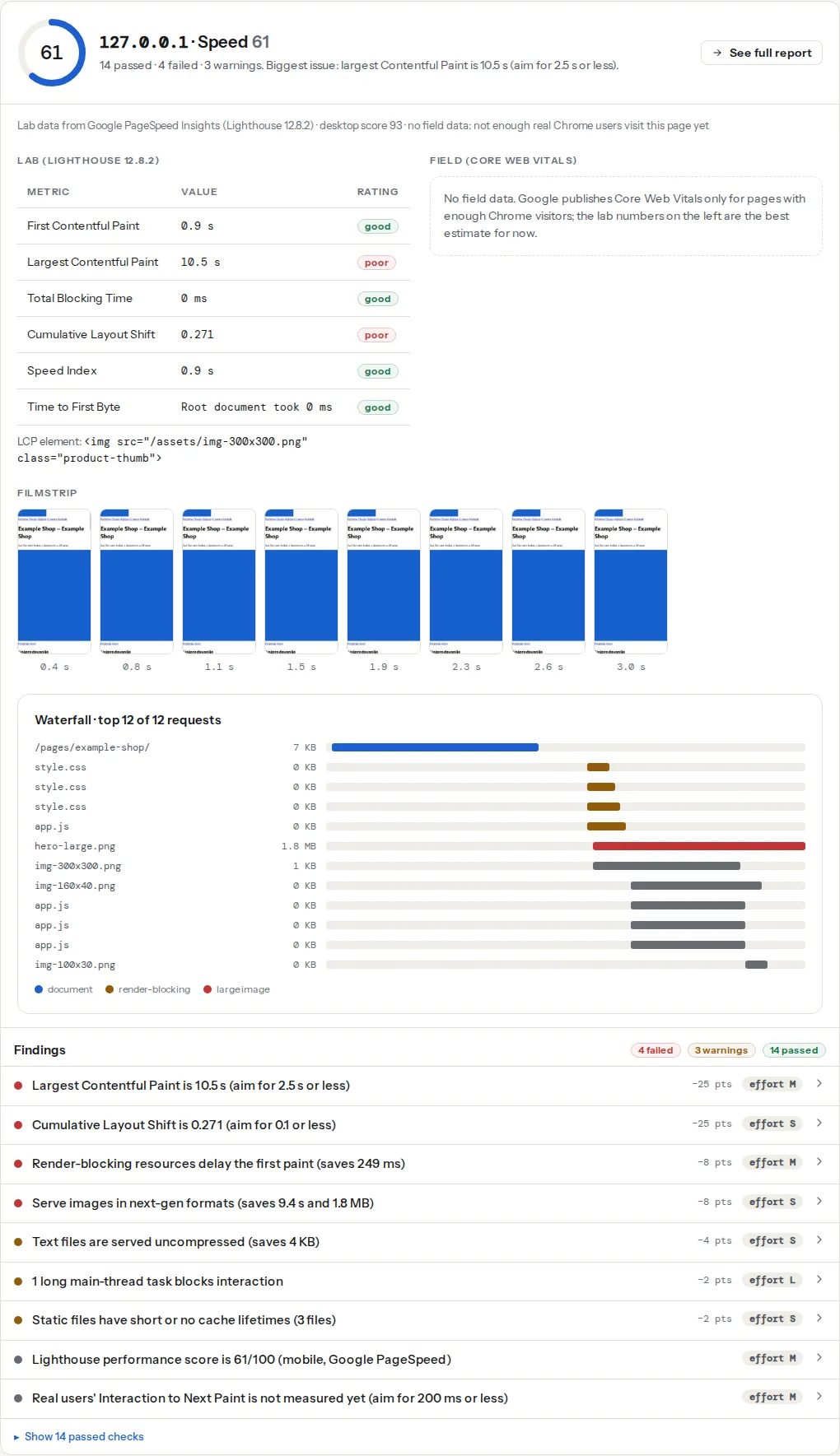
The speed module reads Lighthouse's "Reduce the impact of third-party code" audit, which groups every request by the company behind the domain and adds up transfer size and main-thread blocking time per company. The finding warns when the total passes 250 KB or 250 ms, and its technical line lists the companies in order. The long-tasks finding from the same run names the scripts behind each task over 50 ms, which is usually where the third parties reappear:
> **Check: Third-party code weight.** Tags, widgets and embeds from other companies run on your visitors' phones at your page's expense. Over 250 KB or 250 ms of blocking is a sign they dominate the load.
>
> 1. List what each third party gives you; remove the ones nobody looks at.
> 2. Load the rest after interaction or with a facade (a static thumbnail for YouTube, a click-to-load chat button).
> 3. Move tags into a tag manager that fires them late, not in .
> **Check: No long main-thread tasks block interaction.** A task longer than 50 ms freezes the page for that long. Several in a row are what makes a site feel unresponsive to taps and scrolls.
>
> 1. Find the scripts behind the longest tasks (listed below) and defer, split or remove them.
> 2. Yield to the browser between chunks of work (setTimeout, scheduler.yield, requestIdleCallback).
Two practices-module findings complete the picture. One simply tells you which analytics and tag manager the page runs, so you can check the list against what the marketing team thinks is installed. The other loads the page like a first-time visitor and records which trackers fire before anyone touches the cookie banner:
> **Check: Analytics and tag managers.** Knowing which analytics and tag manager run on the page helps you check they load only after consent and that no old trackers are left behind.
>
> 1. Remove trackers you no longer use; each one adds requests and privacy obligations.
> **Check: No trackers load before consent.** Analytics, ad pixels and session-recording scripts that run before the visitor answers the cookie banner set identifiers without permission. Under GDPR and ePrivacy that needs prior consent; regulators fine for it, and the banner is worthless if the tags do not wait for it.
>
> 1. Load tracking tags through your consent platform (Cookiebot, OneTrust, Complianz, CookieYes, Google Tag Manager with consent triggers) so they run only after "Accept". Test in a fresh incognito window: no tracker request until you click.
> 2. If you use Google tags, add Consent Mode v2 with the defaults set to denied; the tags then send cookieless pings until consent.
The last finding is the bridge between speed and privacy: a tag that waits for consent does not run for visitors who decline, and does not run during the load for anyone.
## Step by step
### 1. Make the inventory
Open the third-party finding and copy the list into a spreadsheet: company, kilobytes, blocking milliseconds. Add a column for "what it gives us" and a column for the person who wanted it. Then fill in the gaps with the tag manager: open the GTM container and list every tag with its trigger.
Two other views help when the finding groups things coarsely. Lighthouse's treemap (the "View Treemap" button on any PageSpeed Insights result) shows the size of every script as an area, with the unused part shaded. Chrome DevTools → Coverage (Cmd/Ctrl+Shift+P, "Show Coverage", then reload) lists every script with the percentage of it that ran; a 400 KB widget at 8 % used is a facade candidate.
### 2. Remove what nobody looks at
On most inventories, a third of the entries have no owner. The heatmap tool from a redesign two years ago, a retargeting pixel for a campaign that ended, two analytics tools because the second was "a trial", the A/B testing snippet with no running tests. Each one is a script, a connection, a cookie and a line in the privacy policy. Remove them at the source: delete the tag in GTM, uninstall the plugin, take the snippet out of the theme.
This step is free, and on the pages we see it is often half of the third-party bytes.
### 3. Put a facade in front of embeds and chat
A facade is a lightweight stand-in that looks like the widget and loads the real thing on the first click. For YouTube, `lite-youtube-embed` (an open-source web component) renders the thumbnail and play button with a few kilobytes and loads the player only when clicked:
```html
```
For chat, most widgets offer a delayed or "on interaction" mode in their own settings. If yours does not, a button that loads the script on demand does the same job:
```html
```
The same pattern works for maps (a static image with a "Open map" link), social feeds and review carousels. Visitors who want the widget wait an extra second once; everyone else never pays for it.
### 4. Gate tracking tags behind consent
Under GDPR and the ePrivacy rules, analytics and advertising tags need consent before they set identifiers. Loading them through the consent platform is therefore required, and it happens to be the biggest speed win available for tags you keep: nothing fires during the load, and nothing fires at all for visitors who decline.
In Google Tag Manager, Admin → Container Settings → "Enable consent overview" shows which tags have consent requirements. Set each tag's "Additional consent checks" to require `analytics_storage` or `ad_storage`, and let the consent platform (Cookiebot, OneTrust, Complianz, CookieYes and the others all have GTM templates) update the consent state. With Consent Mode v2, the defaults go on the page before the container loads:
```html
```
Google's tags then send cookieless pings until consent is granted, and the heavy work waits. The [cookies before consent guide](https://getreport.app/guides/cookies-before-consent) covers testing this properly with the [cookie scanner](https://getreport.app/tools/cookie-scanner).
### 5. Defer what remains and get it out of ``
A `
```
Add `` for the two or three third-party origins the page needs early (the tag manager, the consent platform), so their handshakes overlap with the HTML download, and leave the rest alone; a preconnect for a domain used 3 s later is wasted.
Fonts are a special case: self-hosting removes two origins entirely. [Web fonts without layout shift](https://getreport.app/guides/web-fonts-without-layout-shift) has the steps.
### 6. Clean the tag manager
A container is a script that loads scripts, and it grows without anyone noticing. Once a quarter:
- **Pause tags** that have no owner (Tags → the tag → "Pause") rather than deleting them; unpausing is one click if someone complains.
- **Scope triggers.** A "Page View, All Pages" trigger on a tag needed only on the checkout runs on every page. Use page path conditions.
- **Prefer built-in tags** over Custom HTML. Custom HTML tags inject arbitrary scripts and often pull in libraries (a second jQuery is common).
- **Check the version history** for who added what, and add a note per tag with the owner's name.
- **Server-side tagging** moves tags off the browser entirely, but it costs a server and a setup week; do it because you know which tags you are moving and why, not as a first step.
### 7. Set a budget and write it down
Pick a number the whole team can see. A workable rule: third-party code under 250 KB transferred and under 250 ms of blocking on the home page and the top landing pages, measured on the mobile profile. That is the line getReport's finding uses, and it leaves room for a tag manager, analytics with consent gating, and one widget behind a facade. Every new tag request is then a question of what comes out to make room, not whether it can go in.
## Platform notes
### WordPress
Plugins add third parties without asking: a form plugin adds reCAPTCHA to every page, a social plugin adds share buttons with their trackers, a theme adds Google Fonts. The [WordPress plugin detector](https://getreport.app/tools/wordpress-plugin-checker) shows what each plugin loads on the page.
For scripts you keep, the performance plugins can delay them until the first interaction: WP Rocket's "Delay JavaScript execution" (File Optimization tab), Perfmatters' "Delay JavaScript" (Assets → JavaScript) and the free Flying Scripts plugin all hold listed scripts until the visitor scrolls, taps or moves the mouse, with a timeout fallback. Total Blocking Time drops sharply. The catch: every delayed script runs at the first interaction, which can make that first tap slow. Exclude the scripts the first tap needs (the menu, the cart) and check the field INP after a month, not just the lab score.
### Shopify
Apps inject scripts through `theme.liquid` and the "app embeds" section of the theme editor. Uninstalling an app does not always remove its script tag; search the theme code for the app's domain afterwards. Shopify's Customer Privacy settings let apps that support it wait for consent.
### Static sites and custom code
You own the ``, so the steps above are edits, not settings. Partytown (an open-source library) can run third-party scripts in a web worker, off the main thread; it works well for analytics and pixels and poorly for widgets that touch the DOM.
## Verify
- Re-run the [speed test](https://getreport.app/tools/speed-test) on the same URL. The third-party finding's title now shows the new total, ideally under 250 KB and 250 ms, and the company list is shorter. Compare Total Blocking Time with the previous report; keep both links.
- The long-tasks finding lists fewer tasks, and the ones left name your own scripts rather than a widget's.
- Run the [cookie scanner](https://getreport.app/tools/cookie-scanner) in the same report: "No trackers load before consent" confirms the gating works.
- After 28 days, the field INP in the [Core Web Vitals checker](https://getreport.app/tools/core-web-vitals) reflects the change for real visitors; lab TBT moves the same day, field INP takes a month.
## Common mistakes
- **Delaying the consent banner itself.** A "delay all JavaScript" setting that includes the consent platform means the banner appears late or not at all, and the tags fire on the timeout with no consent recorded. Exclude the consent script from any delay.
- **A facade that loads the real widget on scroll.** Loading on scroll is loading for everybody, one second later. Load on click.
- **Removing the tag from the page but not from the container.** The GTM container still downloads the tag's code and its triggers. Pause or delete it in GTM.
- **Adding `async` to a script another script depends on.** The consent platform must run before the tags that check it; give dependent scripts `defer` (in order) or let the consent platform load the tags itself.
- **Measuring on a fast office connection.** Third-party cost is mostly connection setup and CPU time, which the office network and a laptop hide. Use the mobile profile in the report, and DevTools with 4× CPU throttling.
- **Counting only bytes.** A 40 KB script that runs for 300 ms on every page load hurts more than a 400 KB image. Sort the inventory by blocking time too.